SBOM — Software Bill of Materials
An SBOM scan generates a full inventory of every component inside your application or container image and matches that inventory against known vulnerabilities. It is the fastest way to answer "are we affected by CVE-X?" with a real, evidence-based answer.
What it discovers
- A complete component list — direct and transitive dependencies, OS packages, language runtimes, and binaries.
- CVE matches for each component with CVSS, EPSS, and fix version metadata.
- License inventory for legal and supply-chain review.
- Drift against previous SBOMs so newly introduced components are highlighted.
When to use it
Run SBOM on every container image at build time, on every repository before release, and on a schedule for long-lived artefacts. It is also the first scan to reach for when a new critical CVE is published — filter the global SBOM inventory to find every affected workload in minutes.
Launch a scan
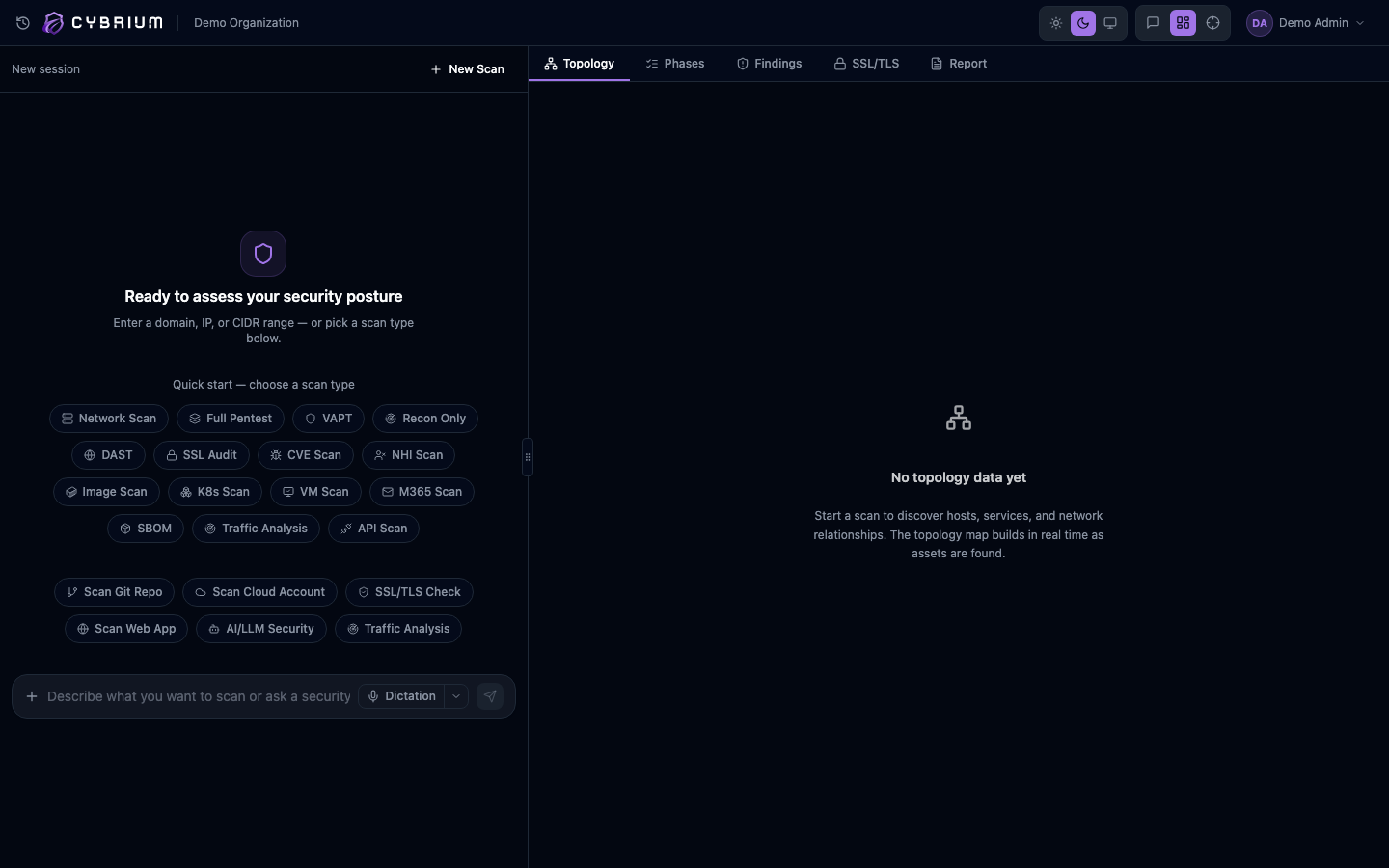
- From the chat bar type
sbomand pick a source: a connected repository, a container image reference, or an uploaded archive. - Alternatively go to Scans -> New Scan -> SBOM and select the same sources from a guided form.
- Choose an output format — CycloneDX or SPDX — if you need a downloadable artefact.
- Start the scan. Generation typically completes in under a minute for most images.
What findings look like
Each component entry shows the package name, version, ecosystem, origin, and declared licence. Vulnerable components expand to show every matched CVE with severity, EPSS score, whether a fix is available, and the minimal upgrade path.
A dedicated "Reachability" badge indicates whether the vulnerable symbol is actually invoked by your code, so teams can triage real risk ahead of noise.
Where results appear
- SBOM tab with the full component tree, searchable and filterable.
- Findings tab lists only the CVE matches above your severity threshold.
- Report tab includes the SBOM as a downloadable CycloneDX or SPDX document.
- CTEM exposure view consumes SBOM data so new CVEs light up affected workloads automatically.
