Non-Human Identity (NHI) Scan
Humans are outnumbered. Every cloud tenant is run day-to-day by service accounts, tokens, OAuth apps, CI principals, and machine identities — and most of them are never rotated. The NHI scan inventories every one of them and rates them on posture and lifecycle.
NHI scans are available on the Pro and Enterprise plans.
What it discovers
- Inventory — service accounts, access keys, API tokens, OAuth apps, workload identities, SCM app tokens, and CI secrets.
- Posture — privilege level, scope, MFA status, secret age, and exposure surface.
- Lifecycle — creation, last-used, last-rotated, and dormancy. Identities idle past your policy threshold are flagged.
- Connectivity map — which identity can reach which system, and which human owns it.
When to use it
Run NHI on day one to build your machine-identity ledger, then schedule it weekly. Run it on demand after integrating a new SaaS product or CI pipeline, and during every access review.
Launch a scan
- Make sure at least one cloud or SaaS integration is connected under Settings -> Integrations. NHI uses those credentials read-only to enumerate identities.
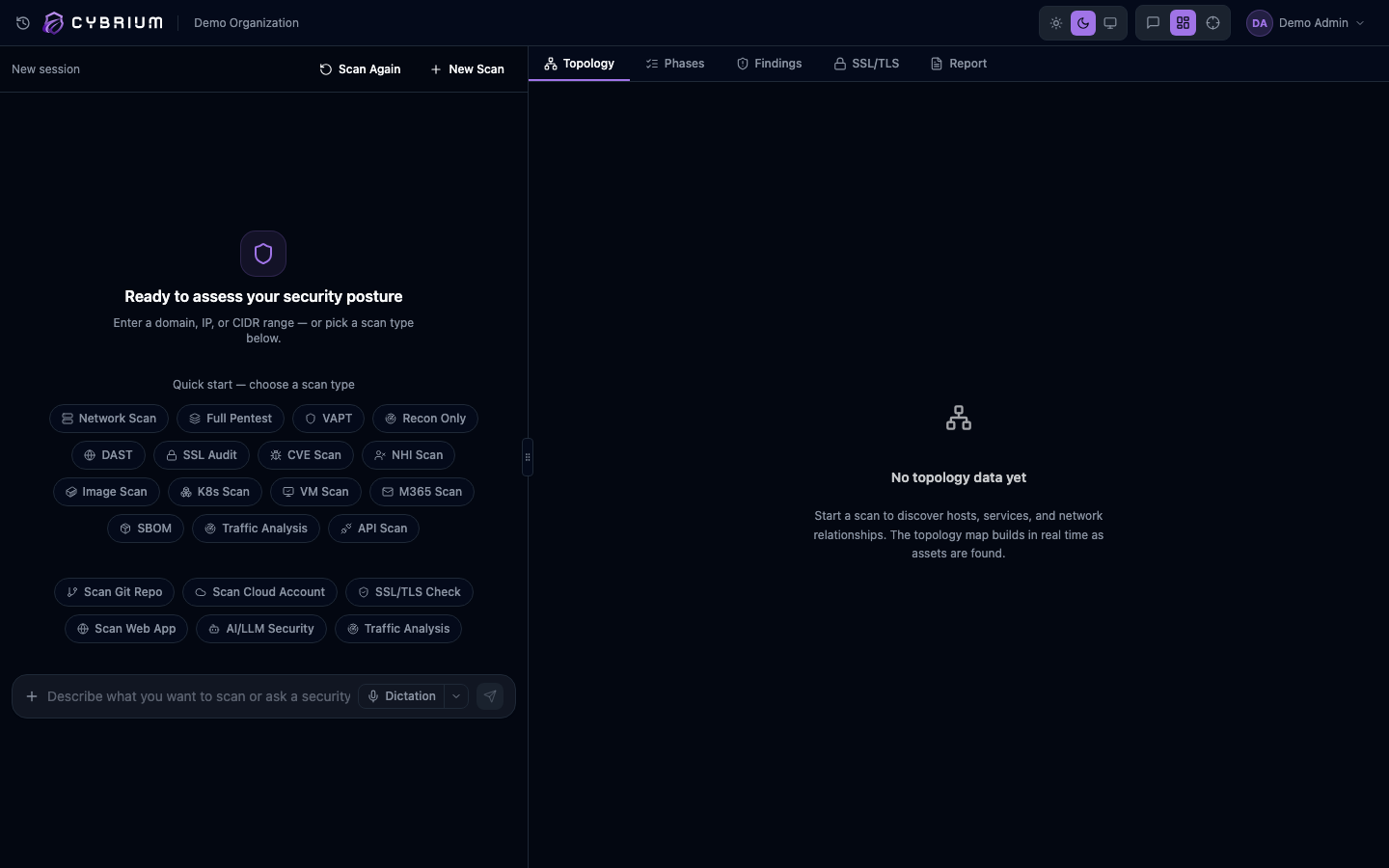
- From the chat bar type
nhi scanor go to Scans -> New Scan -> Non-Human Identities. - Select which integrations to include and whether to run the optional key rotation probe, which tests whether each key is still valid.
- Start the scan.
What findings look like
Each finding names the identity, its type and provider, its effective permissions, the last-used timestamp, and its posture rating. Findings are grouped into three actionable categories:
- Rotate — secrets past their rotation window.
- Revoke — identities with no recent activity or no owner.
- Reduce — identities whose effective privileges exceed their apparent need.
A dedicated connectivity view draws lines from each identity to every resource it can reach, so blast radius is obvious at a glance.
Where results appear
- NHI tab with filters for provider, type, posture, and dormancy.
- Findings tab alongside other vulnerability findings, with
type:identity. - Topology tab overlays identities onto the cloud and Kubernetes maps.
- Report tab produces a clean identity ledger suitable for audits.
