Welcome to Cybrium
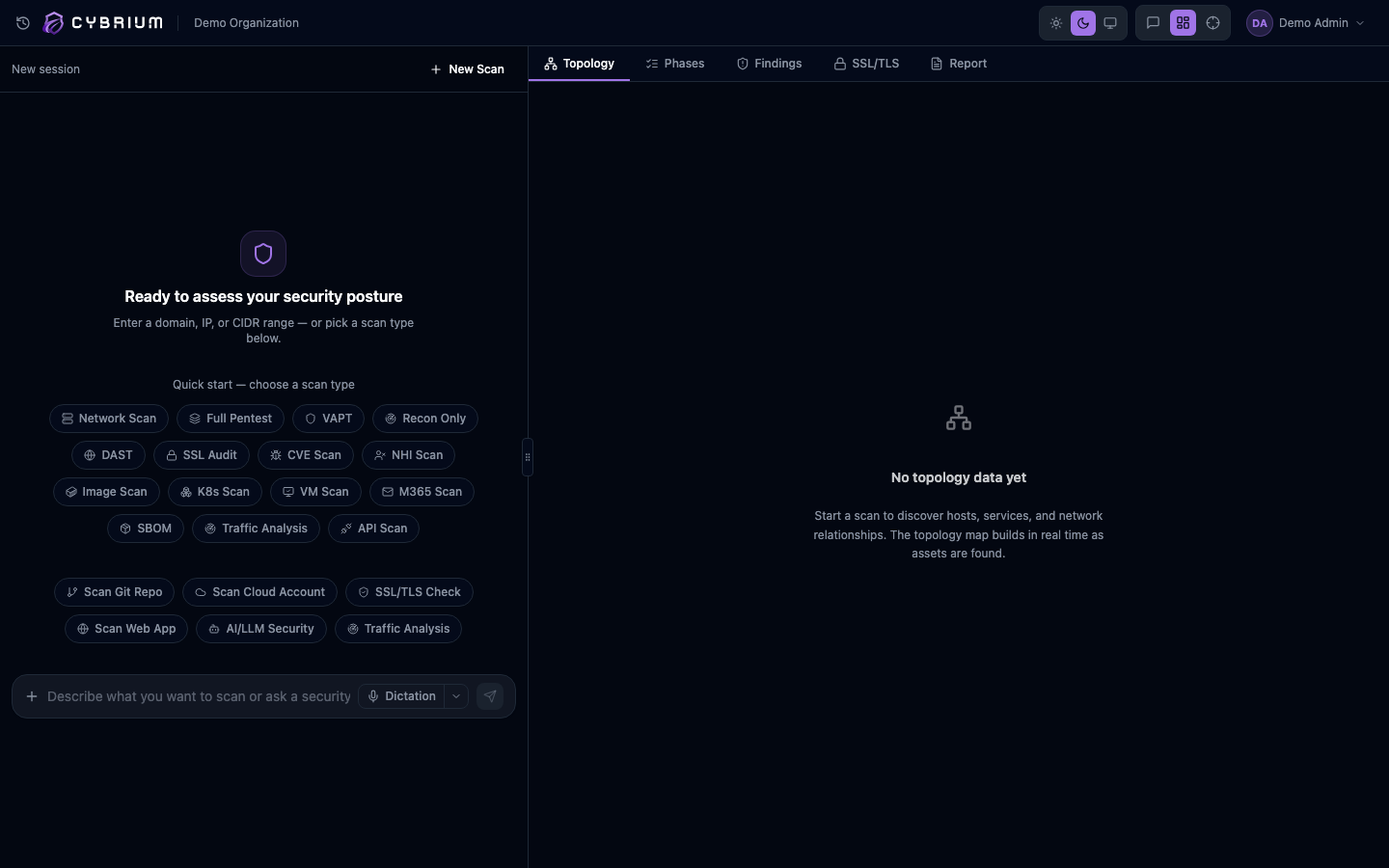
Cybrium is an AI-powered penetration testing and security platform. It combines twelve scan types, an autonomous adversary engine, and a continuous exposure-management workflow into a single workspace — so your security team can shift from "scan → triage → forget" to "discover → exploit → fix → verify".
This documentation is organised for tenant users — the teams running scans inside their Cybrium workspace. Platform administrators managing the control plane have a separate section (Sprint 32).
At a glance
| Area | What you get |
|---|---|
| 12 scan types | Network · SAST · DAST · SSL/TLS · SBOM · Secrets · Traffic · Cloud · Kubernetes · NHI · M365 · API |
| Adversary engine | Autonomous MITRE-ATT&CK-mapped campaigns, Black/White/Grey/Red/Blue box |
| Distributed origins | Attack from regions across 5 continents — Native, WireGuard, Proxy, Tor exits |
| Live viewer | WebRTC desktop + terminal stream of the attacker VM as it runs |
| CTEM pipeline | Exposure scoring, SLA policy, AI Fix Bot, autonomous remediation |
| Compliance | CIS · HIPAA · PCI-DSS · SOC 2 · OWASP · NIST · ISO 27001 mapping |
Where to start
Brand-new to Cybrium? Follow the Getting Started path.
Already signed in? Jump to your scan type:
- Web app pentest → DAST
- Repository security → SAST
- Cloud posture → Cloud CSPM
- Full autonomous attack → Adversary overview
Conventions used in this doc
Callouts with this icon mark features that require the admin or owner role within your tenant. Regular members see read-only versions.
Callouts with this icon denote actions that run against real systems and require a signed authorisation document + liveness check before starting.
Callouts with this icon mark capabilities scoped to Pro or Enterprise plans. Starter tenants see the feature but cannot launch it.
Need help?
- In-product chat is always on — click the purple chat icon in the top right of your workspace.
- Email: support@cybrium.ai
- Docs feedback: open an issue at github.com/cybrium-ai/docs or click the Edit this page link at the bottom of any article.