Kubernetes Cluster Scan
A Kubernetes scan walks a cluster through seven phases — connectivity, inventory, identity, workload, network, supply chain, and posture — and produces a topology you can click through from namespace down to individual container.
Kubernetes scans are available on the Pro and Enterprise plans.
What it discovers
- Cluster, node, and namespace inventory with labels and taints.
- Workload posture — privileged pods, hostPath mounts, writable root filesystems, missing securityContexts.
- RBAC analysis — excessive ClusterRoles, dangerous verbs, and subject sprawl.
- Network policies, exposed Services, and Ingress misconfigurations.
- Image supply chain — vulnerable images, missing signatures, mutable tags.
- Compliance mapping to CIS Kubernetes Benchmark.
When to use it
Run on every cluster at onboarding, then on a daily schedule. Run on demand after cluster upgrades, operator installs, or when onboarding a new workload.
Authentication modes
Cybrium supports three ways to reach a cluster:
- Kubeconfig upload — paste or upload a kubeconfig with read access. Best for clusters outside your cloud integrations.
- Service account token — provide a ServiceAccount token with a read-only ClusterRole. Best for long-lived automation.
- In-cluster auth — deploy the Cybrium scan agent as a pod inside the cluster. Best for air-gapped or private-network clusters.
Scanning a cluster you do not operate requires a signed authorisation. The live connectivity test runs before the scan is queued.
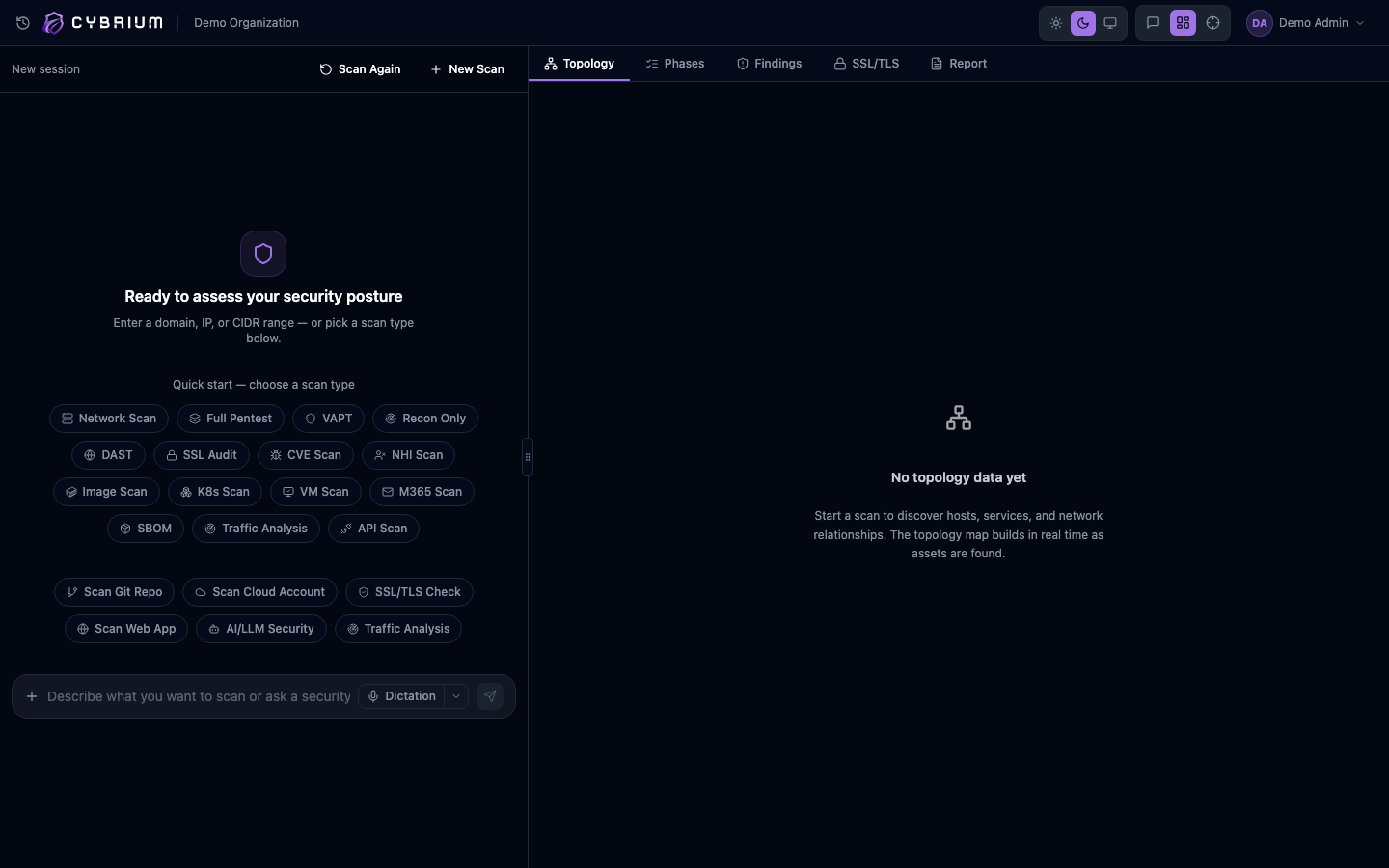
Launch a scan
- Go to Settings -> Integrations -> Kubernetes and register the cluster using one of the auth modes above.
- From the chat bar type
k8s scanor use Scans -> New Scan -> Kubernetes and pick the cluster. - Optionally scope to specific namespaces.
- Start the scan. The phase tracker shows all seven phases as they complete.
What findings look like
Each finding names the offending object (namespace, kind, name), the failing control, severity, and a remediation that is often a ready-to-apply YAML patch or kubectl command. Supply-chain findings link directly to the SBOM for the affected image.
Where results appear
- Topology tab with a collapsible tree from cluster to node to namespace to workload.
- Findings tab filtered by namespace, kind, and severity.
- Compliance scorecard for CIS Kubernetes.
- Report tab with a per-namespace summary.
