Team
The Team tab is the single pane of glass for every human who can sign into your Cybrium workspace — active members, pending invites, SSO-provisioned accounts, and the full audit trail of membership changes.
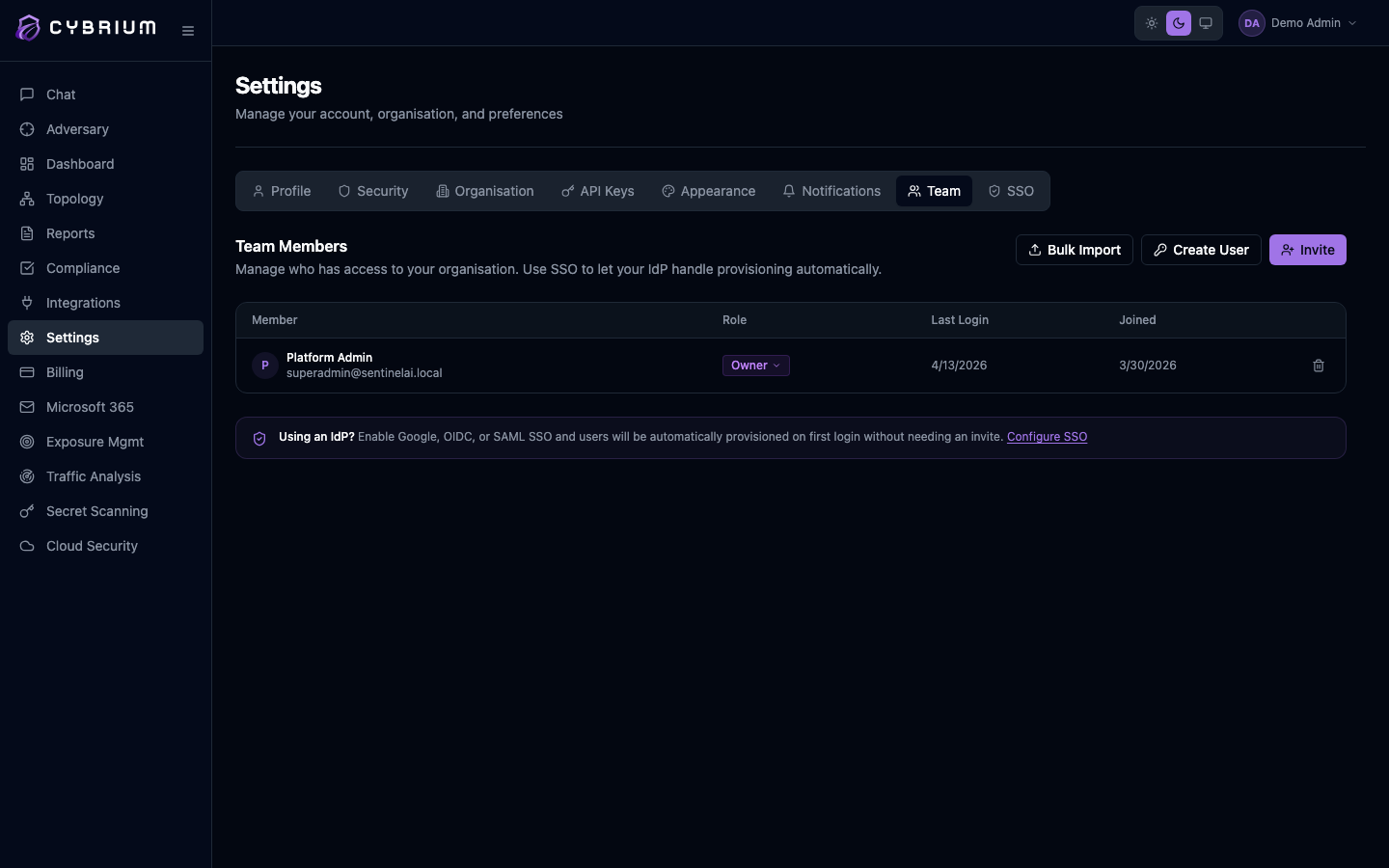
The Team tab is available to Owners and Admins only. Members and Viewers see a read-only "admin required" notice.
Members list
Every active user is shown with avatar, name, email, role, last-login date, and join date. A role picker next to each member lets you change assignment inline — Viewer, Member, Admin, Billing Admin, or Owner. The trash-icon button removes the member after a confirmation prompt; their active sessions are revoked within seconds.
Invite new members
Three paths are available from the top-right:
- Invite — send tokenised invite links to one or more email addresses with a chosen role.
- Create User — mint an account directly with a temporary password (useful when email delivery is unreliable or for service accounts).
- Bulk Import — upload a CSV with
email,first_name,last_name, androlecolumns to onboard a whole team at once.
See Getting Started → Invite your team for the full walkthrough.
Pending invites
Unaccepted invites appear in a dedicated panel below the members table, each with its expiry date and the admin who sent it. Copy the invite link to resend it manually, or Revoke to invalidate the token immediately.

SSO-provisioned members
When a tenant has OIDC or SAML SSO enabled, members created via first-login JIT provisioning are tagged with an SSO badge. Their role defaults to whatever your SSO role-claim mapping dictates; you can still override it manually, but the next sign-in will reset it if your IdP's claim disagrees.
Membership audit trail
Every invite sent, accepted, revoked, role-changed, or removed is written to the tenant audit log with actor, target user, timestamp, and IP address. Export the log as CSV from Settings → Audit for compliance evidence (SOC 2, ISO 27001, PCI-DSS user-access reviews).