Appearance
Cybrium's look-and-feel is driven by two independent settings: color mode (per user) and brand palette (per organisation).
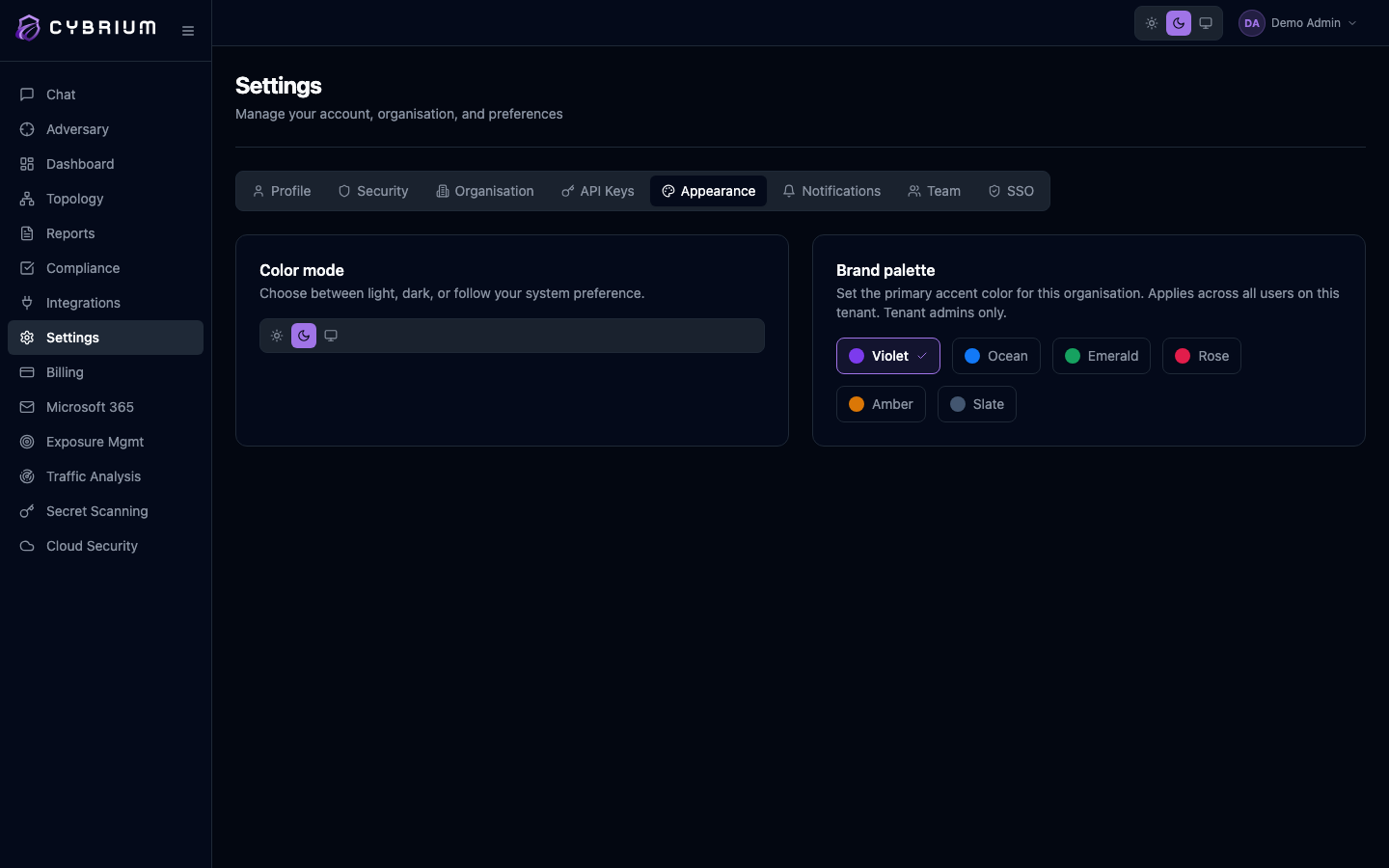
Color mode
Each user picks their own light/dark preference. Three options are available:
- Light — a clean neutral canvas with high-contrast chrome.
- Dark — reduced glare for extended sessions and low-light environments.
- System — follow the operating-system preference, updating automatically when macOS, Windows, or your browser toggles.
The color mode selection is stored per device and synced to your account so your preference follows you across browsers.
Brand palette
The brand palette sets the primary accent color — buttons, links, highlights, progress bars, active-state indicators — for every user in your organisation. Six palettes ship out of the box:
- Violet (default)
- Ocean
- Emerald
- Rose
- Amber
- Slate
Click any swatch to apply. Cybrium re-renders the entire workspace instantly — no refresh required — and pushes the change to every connected teammate via the live config channel.
Only Owners and Admins can change the brand palette. Members and Viewers see the current selection but cannot modify it, since palette choice affects every user in the tenant.
What the palette does not affect
The brand palette applies only to the tenant UI. It does not affect:
- Severity colors (critical/high/medium/low/info), which remain consistent across tenants for comparability.
- The Platform Admin Console, which uses its own neutral theme.
- Exported PDF reports — those use your white-label branding from the Billing settings if enabled.