API Keys
API keys let you automate Cybrium from CI/CD pipelines, SOAR playbooks, custom dashboards, and any other programmatic consumer. Keys are scoped to your user and inherit your role and permissions within the tenant.
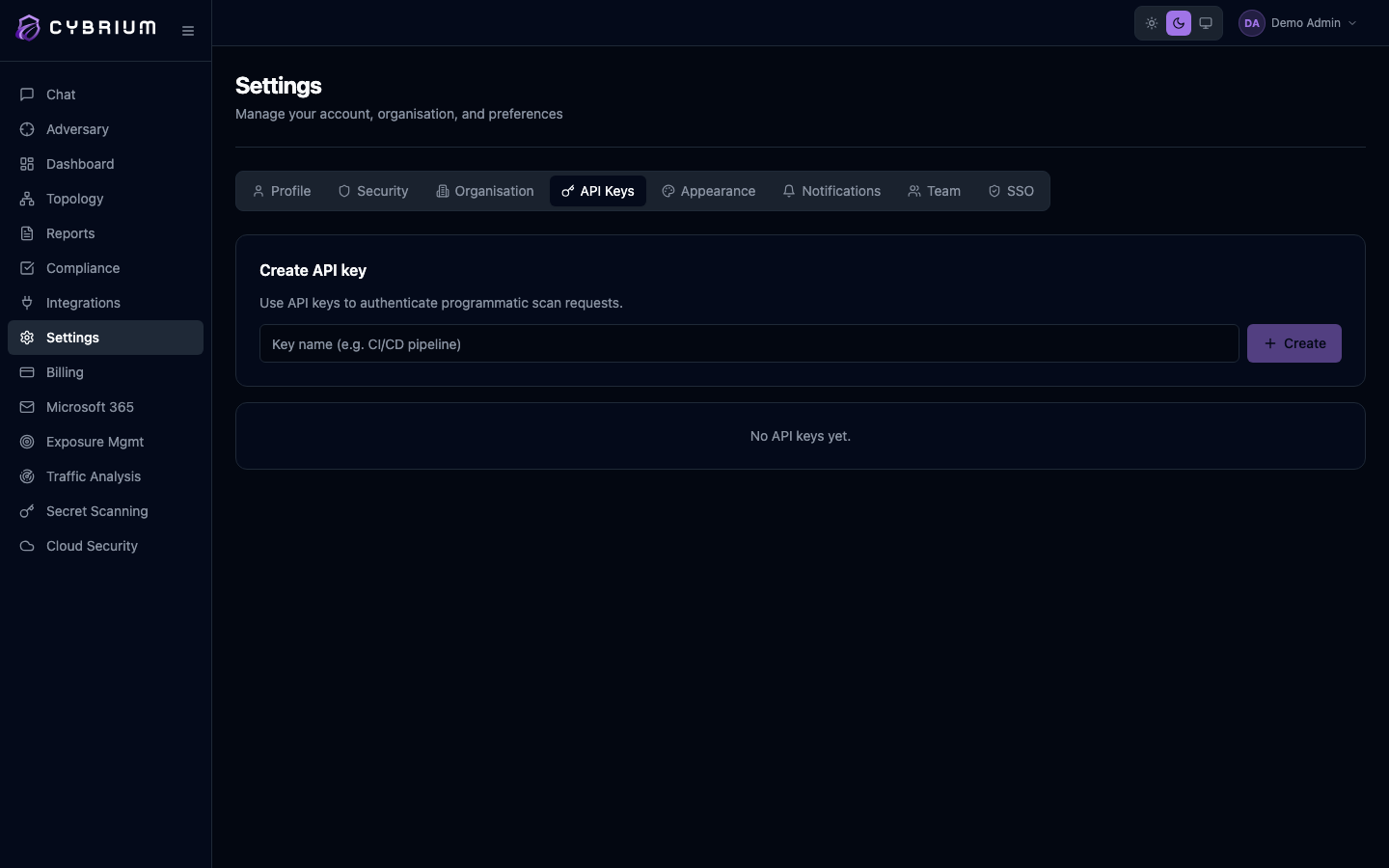
API access is available on Pro and Enterprise plans. Starter workspaces can upgrade from Settings → Billing to unlock key creation.
Create a key
- Open Settings → API Keys and click Create API key.
- Give the key a descriptive name — something like
github-actions-prodorjira-webhook-syncso you can trace usage later. - Optionally set an expiry date. Rotation is a good idea; 90 days is a sensible default.
- Click Create.
Cybrium shows the secret exactly once in a copy-to-clipboard field. Store it in your secrets manager immediately — if you lose it, the only option is to rotate the key.

Use a key
Pass the key as a bearer token in the Authorization header:
curl https://api.cybrium.io/v1/scans/ \
  -H "Authorization: Bearer cbr_live_..." \
  -H "Content-Type: application/json"
The full REST surface and OpenAPI spec are published at /api/docs/ on your tenant's API endpoint.
Rotate a key
Rotation is a two-step flow designed so you never have a window of broken automation:
- Click Rotate next to the key. Cybrium mints a new secret while keeping the old one active for 24 hours.
- Update your consumers with the new secret, then click Finish rotation to immediately revoke the old one.
Revoke a key
Revoking a key is immediate and irreversible. Any consumer using it will start receiving 401 Unauthorized within seconds.
Click Revoke on the row. The key is removed from the authentication cache across all API gateway nodes within five seconds.
Audit usage
Each row shows the key's creation date, expiry, last-used timestamp, and the IP address of the last successful request. Click through for a detailed usage log — useful for spotting leaked keys or unused automations that can safely be decommissioned.