SonarQube Import
Many teams already run SonarQube (or SonarCloud) against their code and have years of accumulated rules, quality gates, and triage decisions. Cybrium does not ask you to throw that away — it imports SonarQube issues directly and merges them with its own findings so a single pane of glass covers both sources.
What Gets Imported
Cybrium imports three SonarQube issue types:
- VULNERABILITY — security-relevant defects. Imported as Cybrium findings with severity derived from the Sonar severity field.
- BUG — reliability defects. Imported as findings and tagged with a reliability category so they can be filtered out of security-only views.
- SECURITY_HOTSPOT — code patterns that may be security-relevant and need a human review. Imported as findings in a distinct Needs Review state; Cybrium surfaces them in the Fix workflow so a reviewer can confirm or dismiss.
Code smells are intentionally not imported. If you want them, the JSON export is available from the connection's advanced panel.
Connection
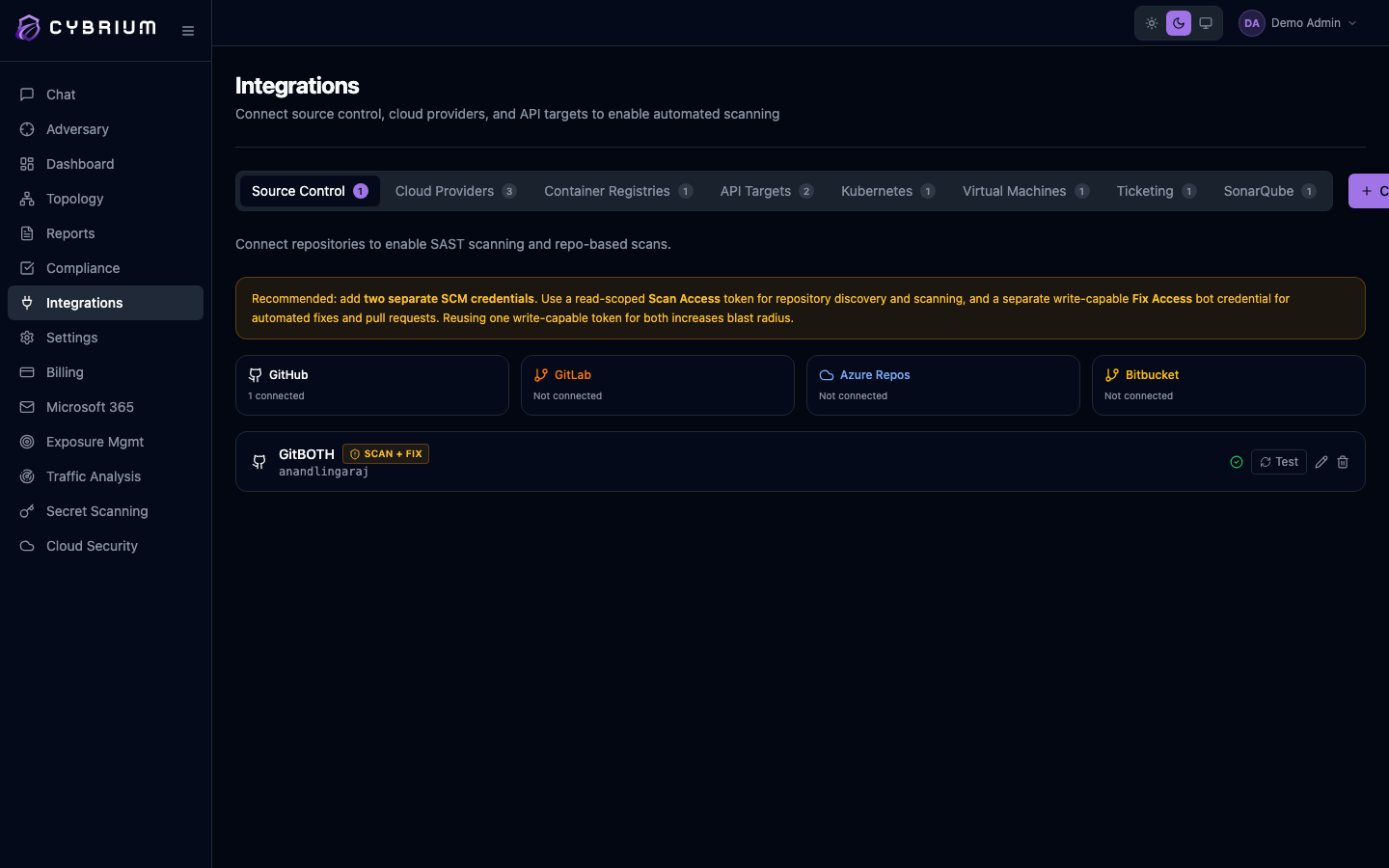
Connect by URL and token. Point Cybrium at your SonarQube or SonarCloud base URL, paste a token issued to a user with Browse permission on the projects you want to import, and pick the projects. On SonarCloud the equivalent is an organization token.
Cybrium polls connected projects every fifteen minutes by default. Webhooks are supported on self-managed SonarQube for near-real-time updates; the webhook URL and secret are shown on the connection's settings page.
Merging with Cybrium Findings
When a SonarQube issue maps to the same file, line, and rule category as a Cybrium-native SAST finding, the two are merged into a single finding with both sources listed in the evidence panel. Severity is taken from whichever source the tenant has configured as authoritative — SonarQube by default for SonarQube-originated issues.
Merged findings carry both systems' identifiers, so bi-directional links work: clicking the Sonar ID opens the original issue in SonarQube, and resolving the finding in Cybrium can optionally mark the Sonar issue as resolved via the Sonar API.
SonarQube import requires Pro or Enterprise.